HYAS Insight R25.4
Release # | R25.4 |
|---|---|
Date |
What’s New in HYAS Insight!
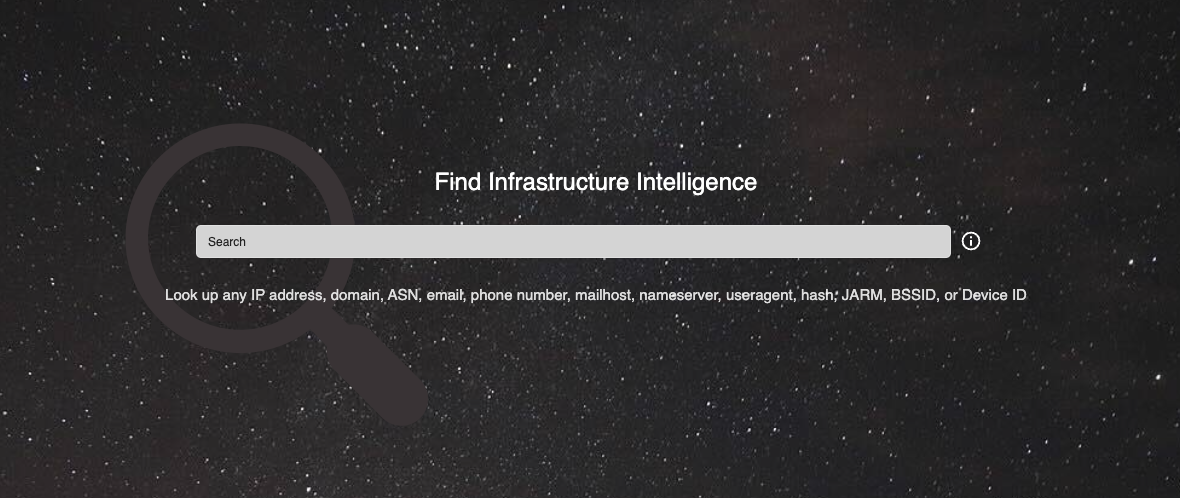
Updated Splash Page IMPROVEMENT
The HYAS Insight splash screen has been refreshed with a cleaner, more modern design. The updated interface centers key messaging, simplifies the search input, and features a newly styled background and graphic elements for better first impressions and usability.
Benefits
Enhanced Visual Clarity: A new background and centered text layout make key messaging immediately visible and easy to read.
Focused Search Prompt: The simplified input field with a clear “Search” prompt encourages immediate user interaction.
Spatial Intelligence - Map/Table Sync IMPROVEMENT
HYAS Insight now provides enhanced synchronization between the device data table and the map, including dynamic row-hover effects and a new Map Sync Mode to control what is displayed spatially.
Benefits
Instant Geolocation Clarity: Hovering over a table row highlights the corresponding pin or cluster on the map.
Page-Based Map Sync: The new “Sync Map to Current Page” toggle allows users to control map rendering based on visible data.
Improved Performance: By limiting pins to current page results, map rendering becomes faster and clearer at scale.
Enhanced Filtering Feedback: Find and Filter actions now immediately reflect on the map when sync is enabled.
Scalable Design: New row-per-page options (100/500/1000) give users more flexibility in how much data is analyzed at once.
Spatial Intelligence - BSSID Pivoting IMPROVEMENT
Spatial Intel now supports hyperlinking and pivoting for BSSID values. Users can click on any BSSID and immediately pivot to its object view to explore associated data, just as they would from other sections of HYAS Insight.
Benefits
Seamless Investigation Flow: BSSID values now function like other entity types, allowing immediate contextual pivoting.
Deeper Spatial Context: Investigators can explore wireless infrastructure connections directly within spatial visualizations.
Consistency Across Platform: Aligns Spatial Intel behavior with the rest of HYAS Insight for a unified investigative experience.
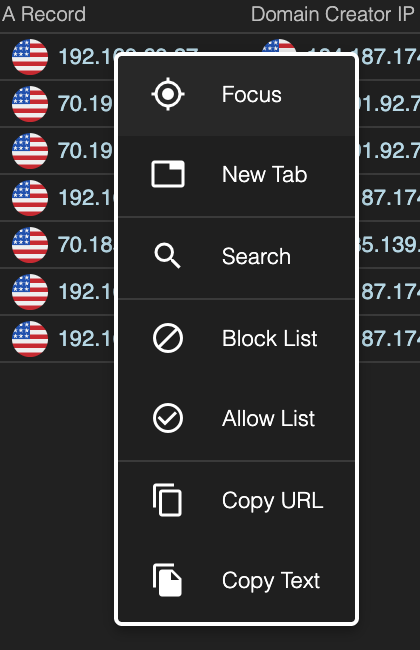
Right-Click Focusing IMPROVEMENT
You can now right-click to focus datasets in HYAS Insight. This update allows analysts to isolate data within supported tables simply by right-clicking and selecting "Focus" on a specific value.
Benefits
Instant Data Isolation: Quickly narrow the dataset to focus on what matters with one right-click.
Streamlined Investigations: Eliminate manual filtering steps and stay within context.